
The Continuous Learning Layer for AI Agents
Build and run agents with the tools and cloud sandboxes they need. Evaluate agent outputs and train task-specific models with reinforcement learning.
01Conversation
02Tools
03Execution
04Review
05Refiner

Build and run agents with the tools and cloud sandboxes they need. Evaluate agent outputs and train task-specific models with reinforcement learning.
Discuss what you need, give the agent access to the right project and tools, then review the result in the same place. Use local files or run the task in a cloud sandbox.
Keep the conversation, tools, files, changes, and result together. Work beside local projects or use an isolated cloud sandbox when you need more room.
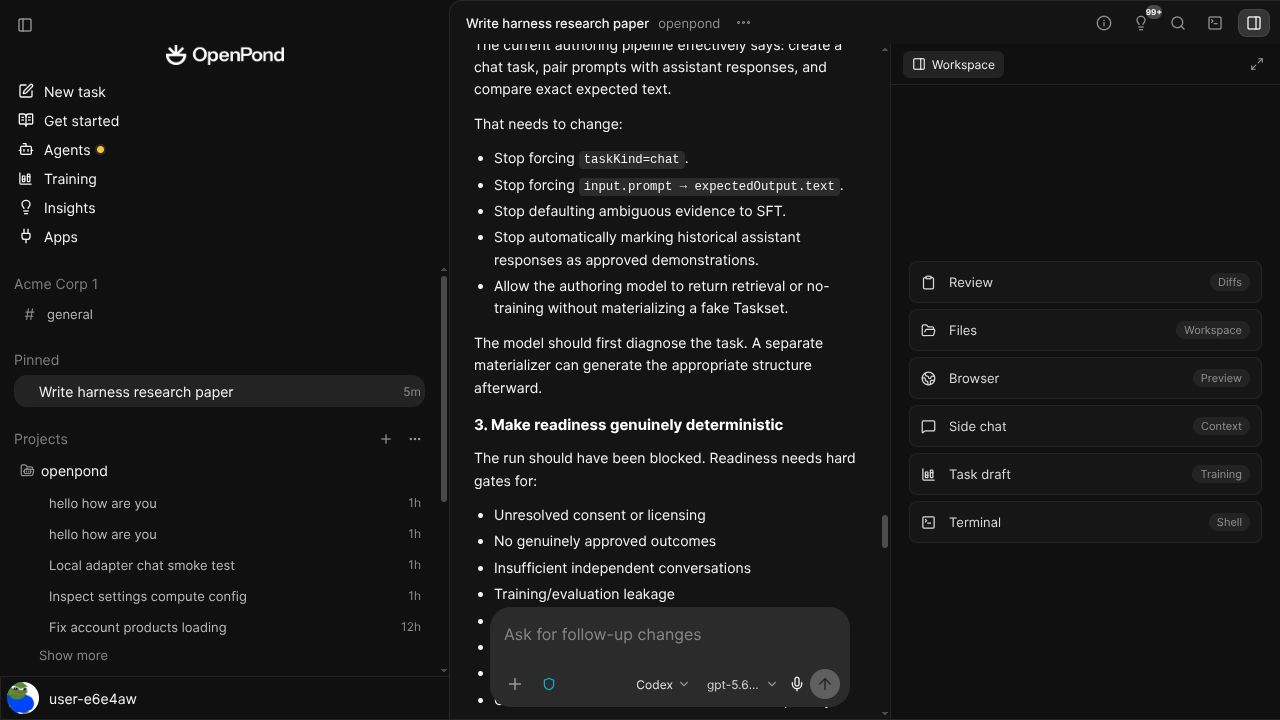
Refiner reviews completed tasks and looks for improvements that can help with future work. Useful changes become recorded, testable Harness updates. If no change is justified, nothing changes.
Work with local projects or cloud sandboxes. The conversation, tools, files, changes, and result stay together.
Refiner reviews completed tasks and looks for reusable improvements that can help with future work.
Update the Harness first. Create Tasksets, run evaluations, and train a model only when the evidence supports it.
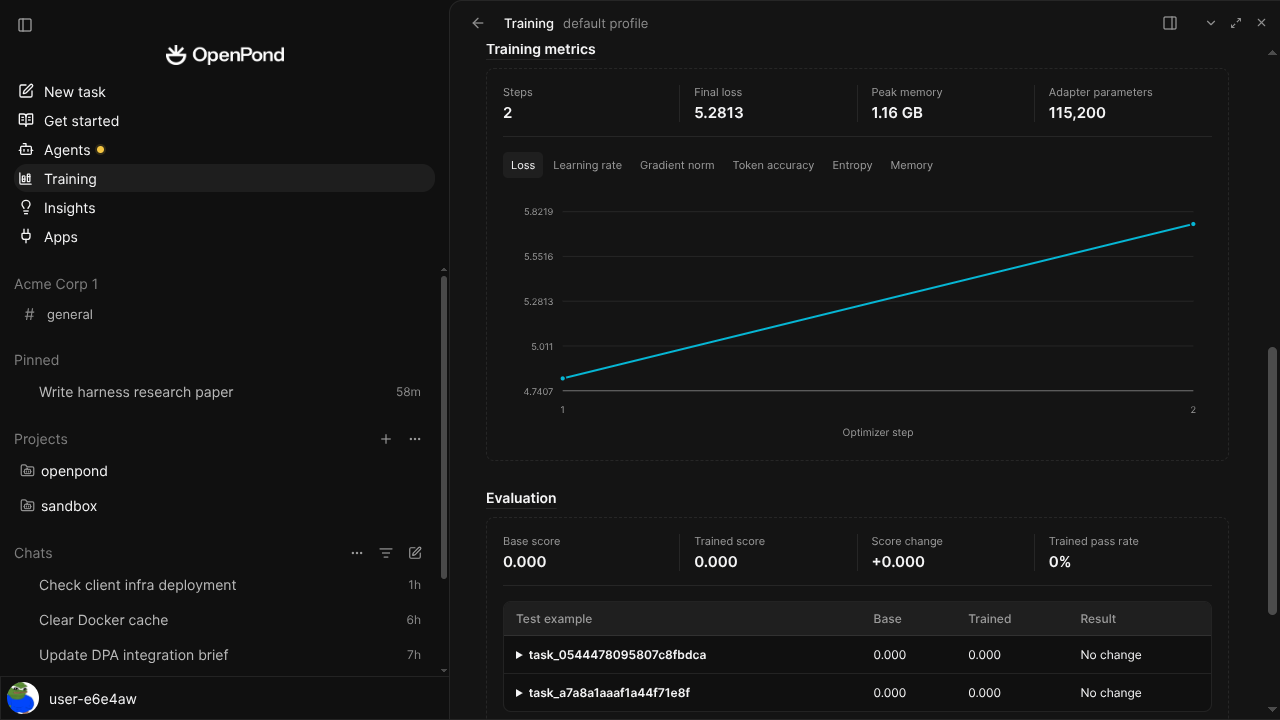
Managed reinforcement learning
Compare a baseline, inspect reward variation, run bounded GRPO or RFT, and preserve the resulting adapter with its complete recipe. A failed hypothesis is still a useful result.
Explore Tasksets →OpenPond Desktop, CLI, TUI, local runtime, Tasksets, and the training workbench live together. Run locally without an OpenPond account, inspect the contracts, and bring in the web app when the work needs cloud execution or a team.
Read the documentation →Start from the terminal
npx openpond@latestThe same source-backed agent can run beside a local project, continue in OpenPond Cloud, or meet teammates in the channels they already use.
Read straightforward, sourced comparisons across AI work products and open-source agent harnesses.
Explore all comparisons →