
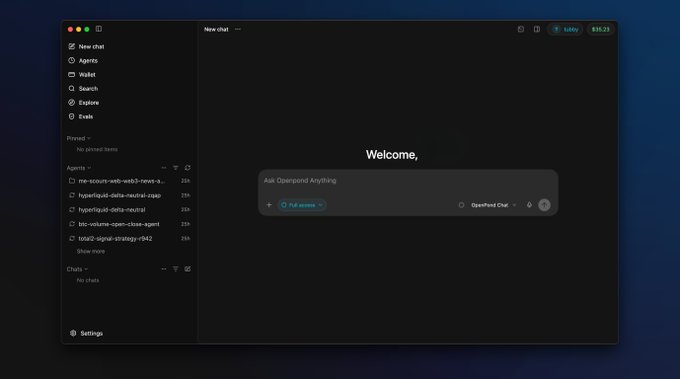
Chat or Work? Choose the Right OpenPond Mode
The fastest way to get a useful result is to start in the smallest mode that matches the task. In OpenPond, that means Chat for a conversation and Work for an inspectable multi-step result.
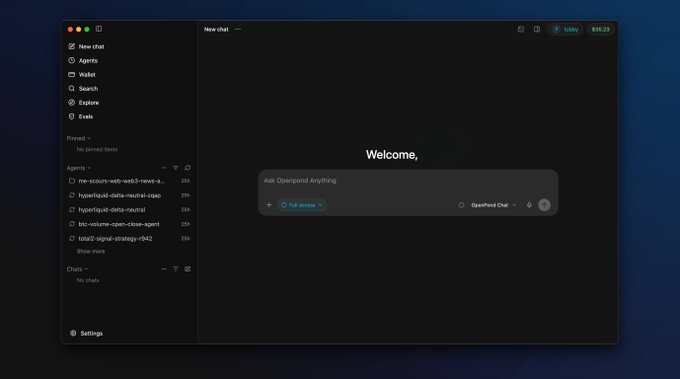
Choose Chat for bounded help
Chat is a good fit for questions, explanations, brainstorming, short drafts, and deciding what to do next. It keeps the interaction conversational and does not imply general workspace compute or durable outputs.
Examples include explaining an error message, outlining a launch plan, or choosing between two API designs.
Choose Work when the result needs a trail
Work is for tasks that need private compute, files, commands, approvals, durable artifacts, Agent packaging, or Taskset tools. It is the better choice when someone should be able to inspect what happened afterward.
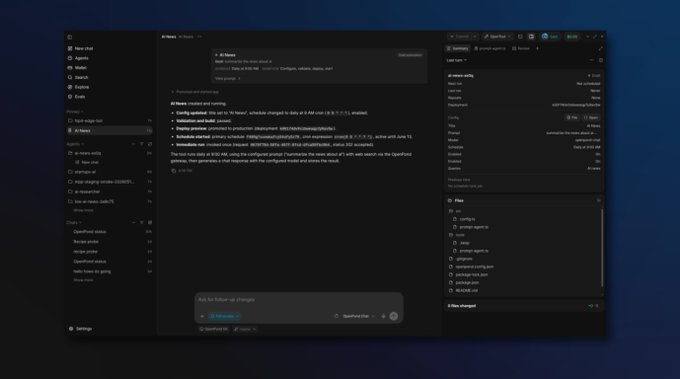
Work can combine a conversation with authorized task tools and a durable output boundary.
Examples include updating a repository with checks, researching documents into a reviewable summary, or preparing an Agent action from tested source.
Work is not a permission bypass
Choosing Work does not remove authority controls. Higher-impact actions still need approval; Sandbox execution remains bounded by budget and lifecycle; and connected-app data stays scoped to its authorization. Work makes those boundaries and outputs reviewable rather than invisible.
When a conversation reveals a task that needs files or a durable result, move to Work. When the answer is a short explanation, keep it in Chat. The Chat and Work guide has the full comparison.