

A Practical First Hour with OpenPond Desktop
OpenPond Desktop is for work that benefits from local project context: files, terminals, browsers, approvals, and an inspectable result can stay close to the repository you are working in.
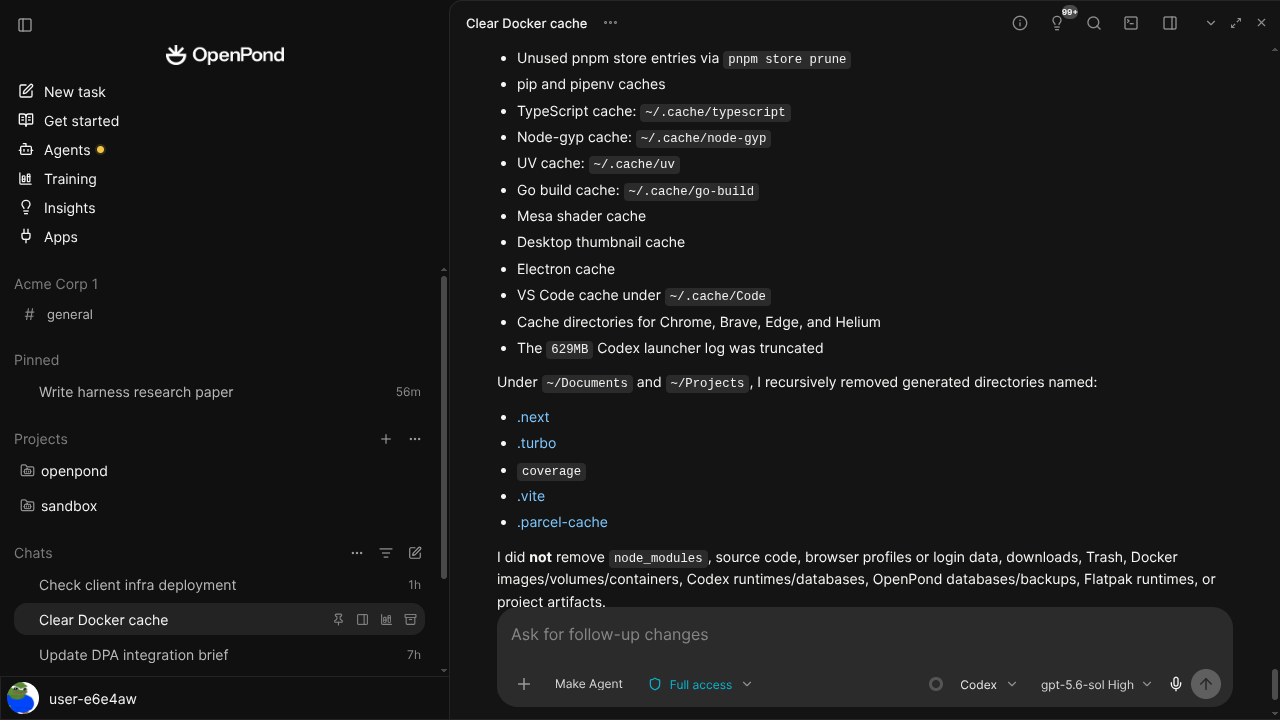
Download, then open a project
Start with the current OpenPond Desktop release. After installation, open or choose the local project you want to work beside. Desktop uses the same source-owned runtime as OpenPond Web, CLI, and TUI, so a project can move between surfaces without becoming an opaque chat attachment.
The public OpenPond repository is the right place to inspect releases, source, and contribution history.
Choose Chat or Work
Use Chat for a question, explanation, idea, or quick draft. Use Work when the task should produce reviewable files, commands, durable outputs, or an Agent- and Taskset-ready result.
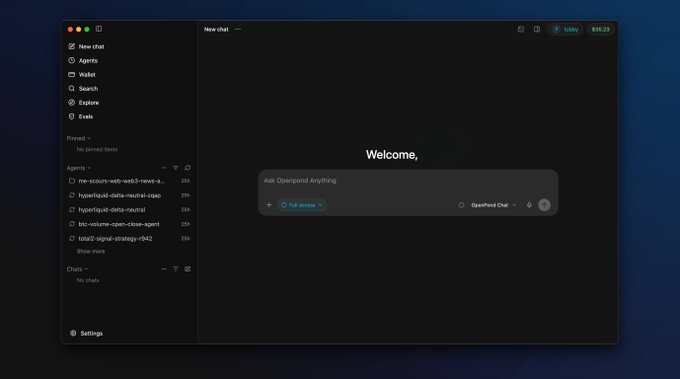
Start conversationally when that is enough; move to Work when the result needs a durable execution trail.
Keep control of what becomes reusable
Inspect generated files, command output, and proposed changes before keeping them. A completed conversation is not silently converted into training data. If a pattern is useful, you can later choose reviewed evidence for a Taskset, evaluation, or training workflow through explicit product gates.
Desktop can use an isolated cloud Sandbox when a task needs managed compute. That Sandbox has its own lifecycle, budget, and cleanup boundary. Your local project and the Sandbox should not be confused with one another.